Contracts, invoices, quotes, certificates, and other important paperwork can pile up quickly. When documents are scattered across different locations, searching for a specific file wastes valuable time. A document management system (DMS) helps you centrally organize digital documents, find them quickly, and manage them clearly over the long term.
What is a Document Management System (DMS)?
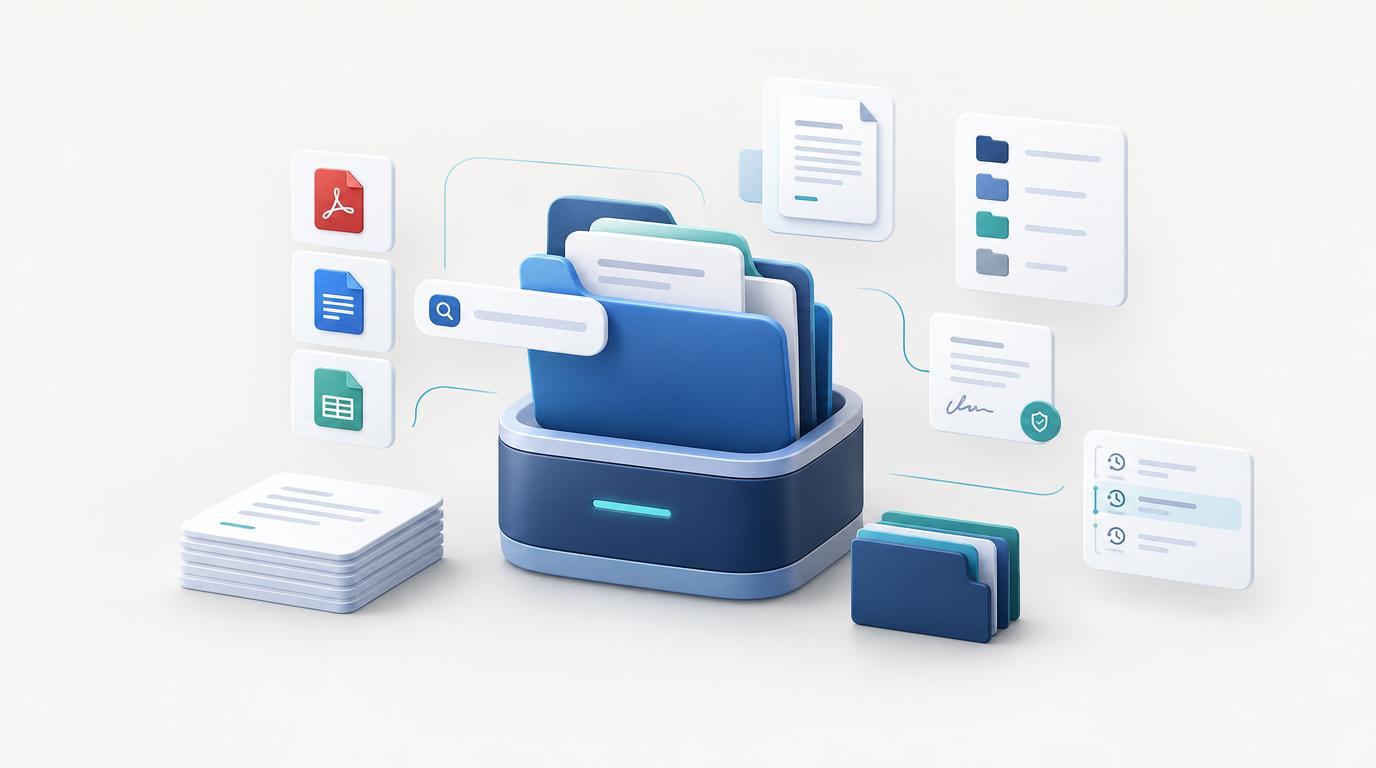
A document management system (short: DMS) is software designed to digitally manage documents. It helps you centrally store, categorize, tag with additional metadata, and easily retrieve files whenever needed.
Unlike a basic folder structure, a DMS offers extra capabilities depending on its feature set—such as full-text search, tags, version control, user permissions, and archiving. This allows even large volumes of documents to be managed in a structured way.
A DMS can be used by freelancers, small businesses, agencies, and organizations looking to streamline their document management and work more efficiently.
What Features Does a DMS Offer?
The scope of features varies depending on the software. Some of the most important capabilities of a document management system include:
1. Central Document Storage
Documents are stored in one central location instead of being scattered across different computers, email inboxes, and folders. A structured repository simplifies management and reduces time spent searching.
2. Search and Filtering
Powerful search capabilities help you find documents by name, category, tags, or other saved metadata. Depending on the system, full-text search within the document contents is also supported.
3. Categories, Folders, and Tags
Categories, folders, and tags allow you to organize documents based on different criteria. For instance, invoices, contracts, tax files, and insurance documents can easily be managed separately.
4. Document Versioning
If you edit documents regularly, you may need access to previous drafts. Version control allows you to track changes transparently and restore earlier versions whenever necessary.
5. User Roles and Access Permissions
In team settings, multiple people often need access to documents. A DMS can provide granular permission controls for users and administrators, allowing you to define exactly who can view, edit, or delete files.
6. Retention and Archiving
Documents often must be retained for specific legal periods. Features like archiving, retention periods, and expiration dates help you stay on top of critical deadlines and compliance requirements. Applicable statutory regulations depend on the document type and use case.
7. Automation and AI
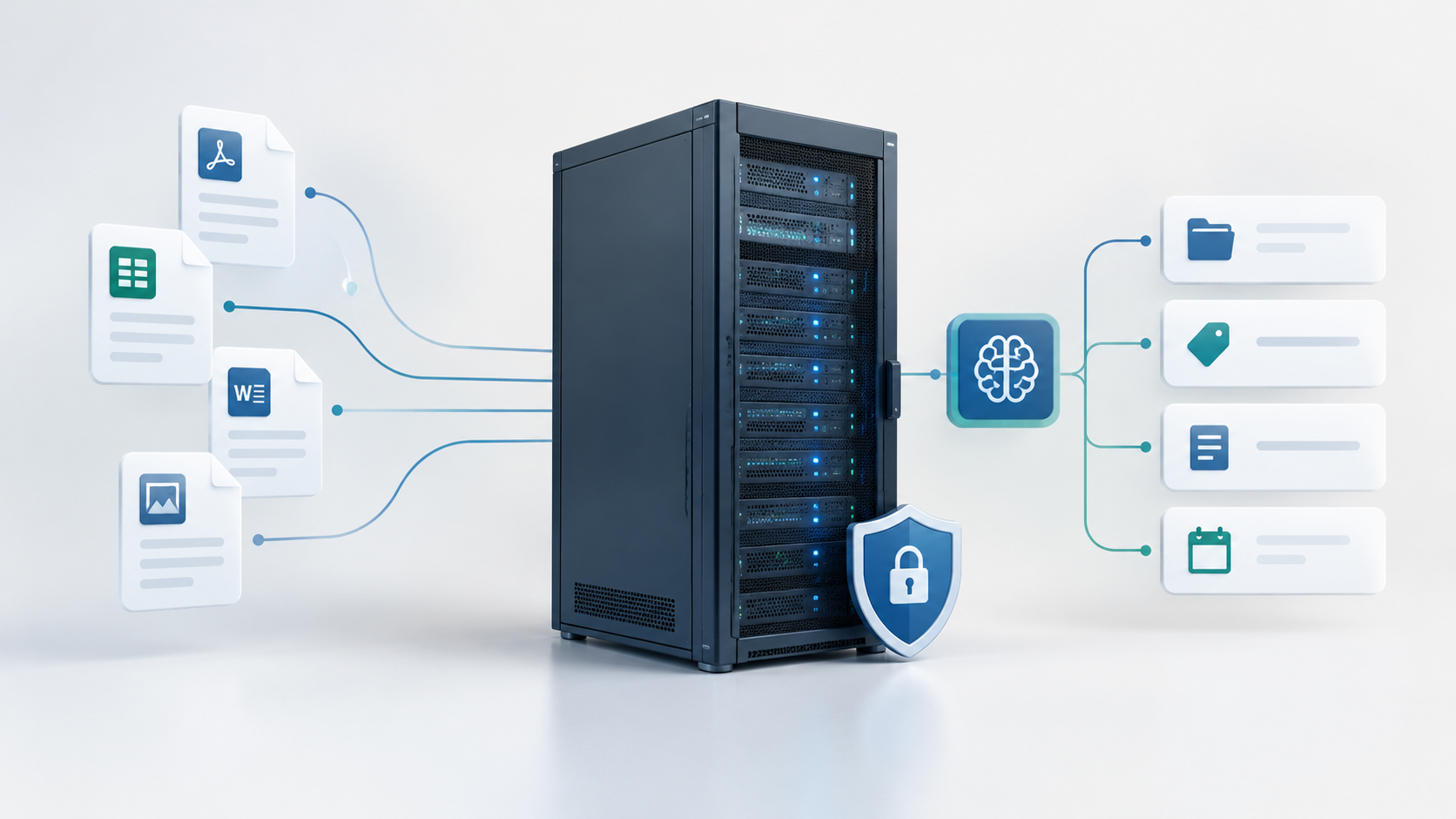
Modern document management systems can be enhanced with automation and artificial intelligence. Depending on the solution, AI can analyze document content, extract relevant metadata, and suggest suitable categories or tags—reducing manual effort during filing.
What Are the Benefits of a DMS?
Implementing document management software can significantly simplify your daily handling of digital files.
- Save time: Retrieve documents in seconds without manually searching through dozens of folders.
- Better organization: Maintain a clean structure even as your document volume grows.
- Reduce duplicate work: Centralized storage minimizes the risk of creating duplicate or conflicting file copies.
- Traceable changes: Version control makes managing revised documents effortless.
- Controlled access: Permission settings ensure sensitive files remain protected.
- Streamlined workflows: Structured documentation boosts collaboration and simplifies routine administrative tasks.
Who Benefits from a DMS?
A document management system isn’t just for large corporations. Individuals and small teams can also benefit immensely from structured digital document organization.
Freelancers and Solopreneurs
Keep invoices, client contracts, quotes, tax records, and project files centralized. This saves time in day-to-day work and makes tax preparation far easier.
Small Businesses and Agencies
When multiple team members work with shared documents, clear filing structures and defined permissions become essential. A DMS ensures information is accessible while enhancing collaboration.
Private Individuals
Personal paperwork—such as insurance policies, receipts, warranty certificates, and official communications—adds up quickly. A DMS helps organize personal documents neatly so they are easily accessible when needed.
Cloud DMS vs. Self-Hosted DMS
When selecting document management software, a key decision is whether to store documents with a cloud provider or run the software on your own infrastructure.
Cloud DMS
With a cloud solution, the software is hosted and maintained by the vendor. Setup is usually quick, and maintenance and server infrastructure are managed for you. However, you rely on the provider's pricing, terms, security practices, and feature limitations.
Self-Hosted DMS
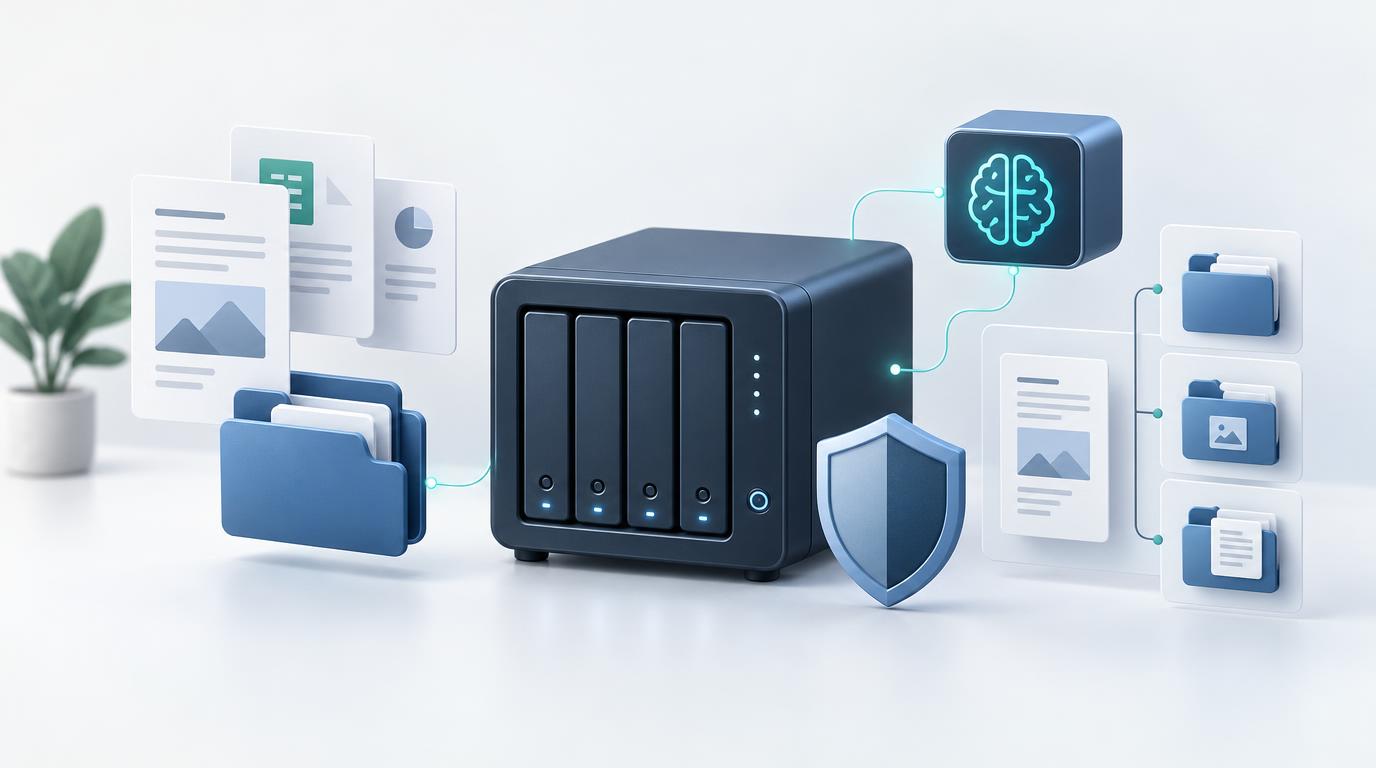
With a self-hosted DMS, you run the software on your own infrastructure, such as a private server or a local NAS. This gives you total control over where the software operates and how data is managed.
A self-hosted system is particularly appealing if you prefer not to rely solely on third-party SaaS vendors. Keep in mind, however, that you assume full responsibility for software updates, backups, user permissions, server security, and data availability.
Important: Self-hosted does not automatically mean more secure or GDPR-compliant. What matters most is your specific configuration, security measures, and data handling practices.
What to Consider When Choosing a DMS?
Not every document management system fits every requirement. Before committing to a solution, evaluate the following criteria:
- Ease of Use: Is it intuitive to upload, organize, and find documents?
- Search Capabilities: Does the software offer the search and filtering tools you actually need?
- Access Permissions: Can permission levels be configured to match your workflow?
- Version Control: Are older file versions preserved and easy to restore?
- Data Privacy & Security: How is data stored, protected, and accessed?
- Backup & Recovery: Can you reliably restore your documents in case of a technical failure?
- Costs: Beyond the purchase price or subscription, factor in hosting, maintenance, and administrative overhead.
- Scalability: Will you need advanced capabilities like OCR, AI document analysis, or automated workflows down the road?
How Much Does a Document Management System Cost?
Costs depend on the feature set, user count, and deployment model. Cloud-based DMS solutions are typically sold via monthly or annual subscriptions, with extra fees sometimes applying for additional storage, users, or premium features.
For self-hosted DMS software, a one-time license fee may replace recurring subscriptions. However, hosting, maintenance, and backup infrastructure costs should be considered. For small businesses and freelancers, a lightweight solution is often far more cost-effective than an enterprise system packed with unused features.
What Is the Difference Between a DMS and Simple File Storage?
Standard file storage relies on folders and subfolders. While adequate for small file collections, it quickly becomes chaotic as file volume grows and search requirements become more complex.
A DMS enhances simple file storage with systematic management features—such as categories, tags, metadata, advanced search filters, version history, and user permissions.
The key difference lies not just in where files are stored, but in how effortlessly and securely you can govern your entire document ecosystem.
Self-Host and Systematically Manage Your Documents
If you are looking for a document management solution you can run on your own infrastructure, self-hosted DMS options are well worth considering. They combine centralized document storage with powerful organizational features—without locking you into third-party cloud services.
At BitByBitCreation, we offer software solutions for digital document management. If you want to host your files independently and keep them centrally organized, explore our document management system today.
Learn more about our Document Management System
Conclusion: Is a DMS Right for You?
A document management system is a worthwhile investment if you regularly work with digital documents and want to optimize your workflows. Central storage, fast searching, categorizing, version control, and granular access rights significantly reduce administrative effort.
For freelancers, small teams, and individuals alike, even a lightweight DMS can deliver an immediate productivity boost. If maintaining control over your infrastructure is a priority, exploring self-hosted options is highly recommended.