Artificial intelligence can significantly streamline digital document management. It can analyze content, identify critical information, and help categorize documents automatically. But what actually happens to your documents when an AI processes them? Are sensitive invoices, contracts, or personal files being transmitted to a third-party vendor?
A compelling solution is local AI. Tools like Ollama allow you to run AI models on your own hardware or within a self-controlled infrastructure. This enables document analysis without having to send file contents to external AI services—provided the entire pipeline is configured accordingly.
In this article, you will learn how local AI works, the document management tasks it can handle, and what to keep in mind regarding data privacy, hardware requirements, and choosing the right software.
What Is Local AI?
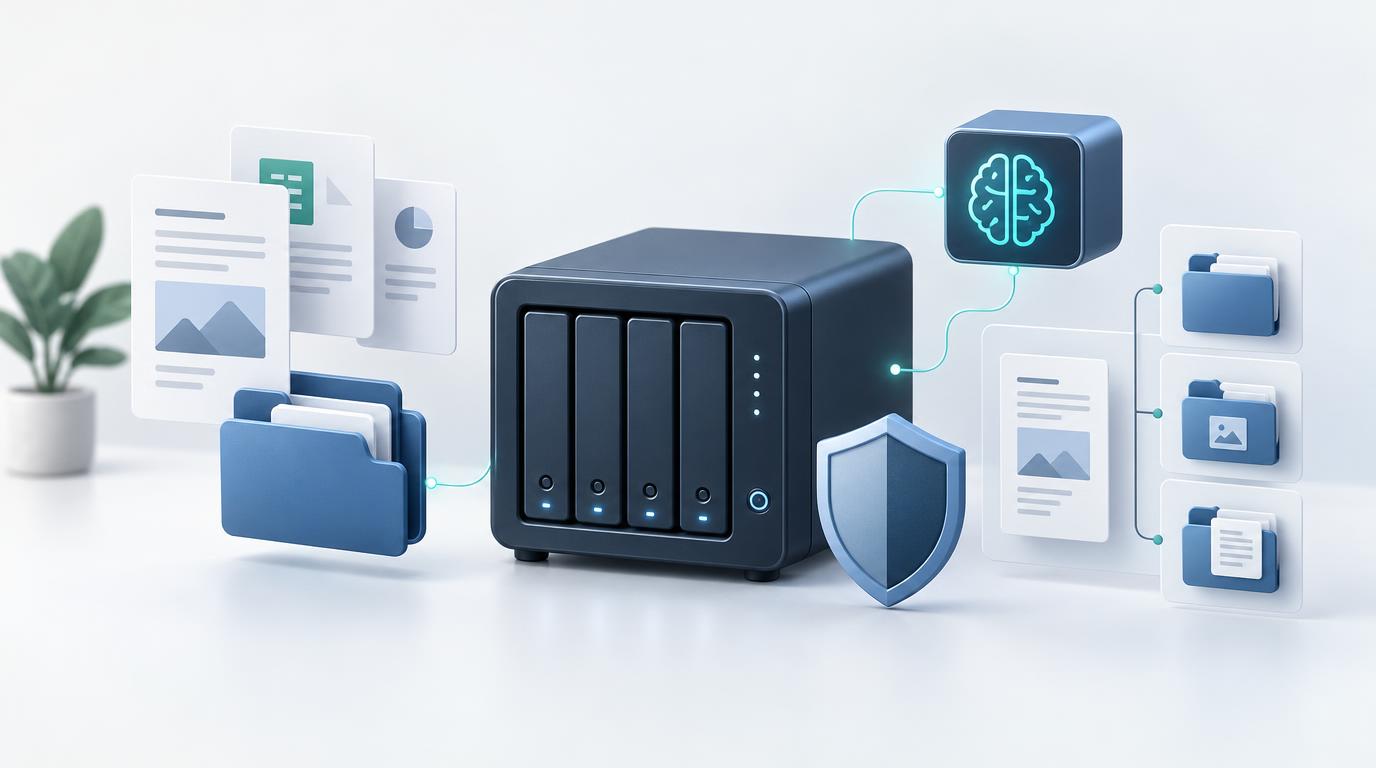
With local AI, an AI model is not called exclusively through a third-party cloud service. Instead, it runs on your own computer or server, with all computations taking place on your dedicated hardware.
Many popular AI services transfer your requests to the provider’s infrastructure for processing. A local installation, by contrast, keeps processing entirely within your own environment. This is especially advantageous when handling confidential documents or when companies need to retain strict control over their data.
Local AI is not limited to a single use case. It can assist with writing copy, summarizing information, evaluating documents, or structuring data. Which tasks work reliably depends heavily on the model used, your hardware, and the specific application.
What Is Ollama?
Ollama is a software framework that allows you to run various AI models locally and integrate them into other applications via an API. Instead of calling an external service for every query, an application can communicate directly with a locally installed model.
It is important to note that Ollama itself is neither an AI model nor a full-fledged document management system. It provides the technical foundation for executing supported models. The core document management capabilities—such as user management, folder structures, categories, permissions, and versioning—are handled by a separate application.
This creates a flexible synergy for local document processing: a DMS manages the files and provides the required content, while Ollama executes a local AI model to perform specific analytical tasks.
How Can Local AI Improve Document Management?
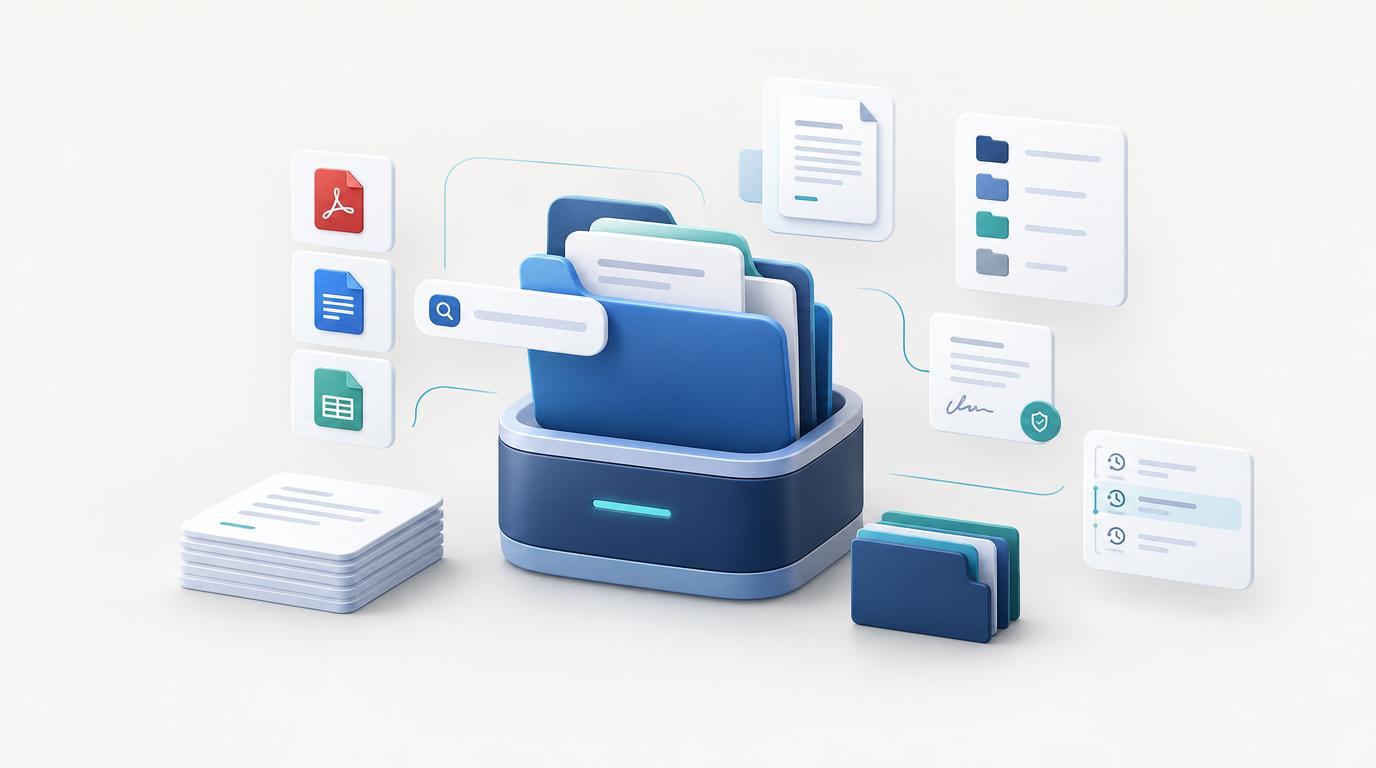
In many companies and self-employed businesses, documents are still manually sorted and tagged. While manageable with a small number of files, keeping an overview and quickly retrieving key information becomes increasingly difficult as your archive grows.
An integrated AI can automate recurring tasks and significantly cut down on manual work. Depending on the software and configuration, potential applications include:
1. Automatic Document Categorization
An AI model can analyze document content and suggest an appropriate category. For instance, an invoice could be assigned to "Finance," an employment contract to "HR," and an insurance policy to "Insurance."
Automatic assignment saves time, especially when dealing with high volumes of incoming documents. However, for ambiguous or incomplete content, users should always have the ability to review and override the result.
2. Smart Tagging and Keyword Extraction
In addition to categories, the AI can suggest relevant tags such as "Invoice," "Contract," "Tax Relevant," or "Deadline."
These tags make it effortless to find related documents without having to manually review every single file. The key here is generating precise tags that match the actual content rather than flooding the system with vague keywords.
3. Structured Data Extraction
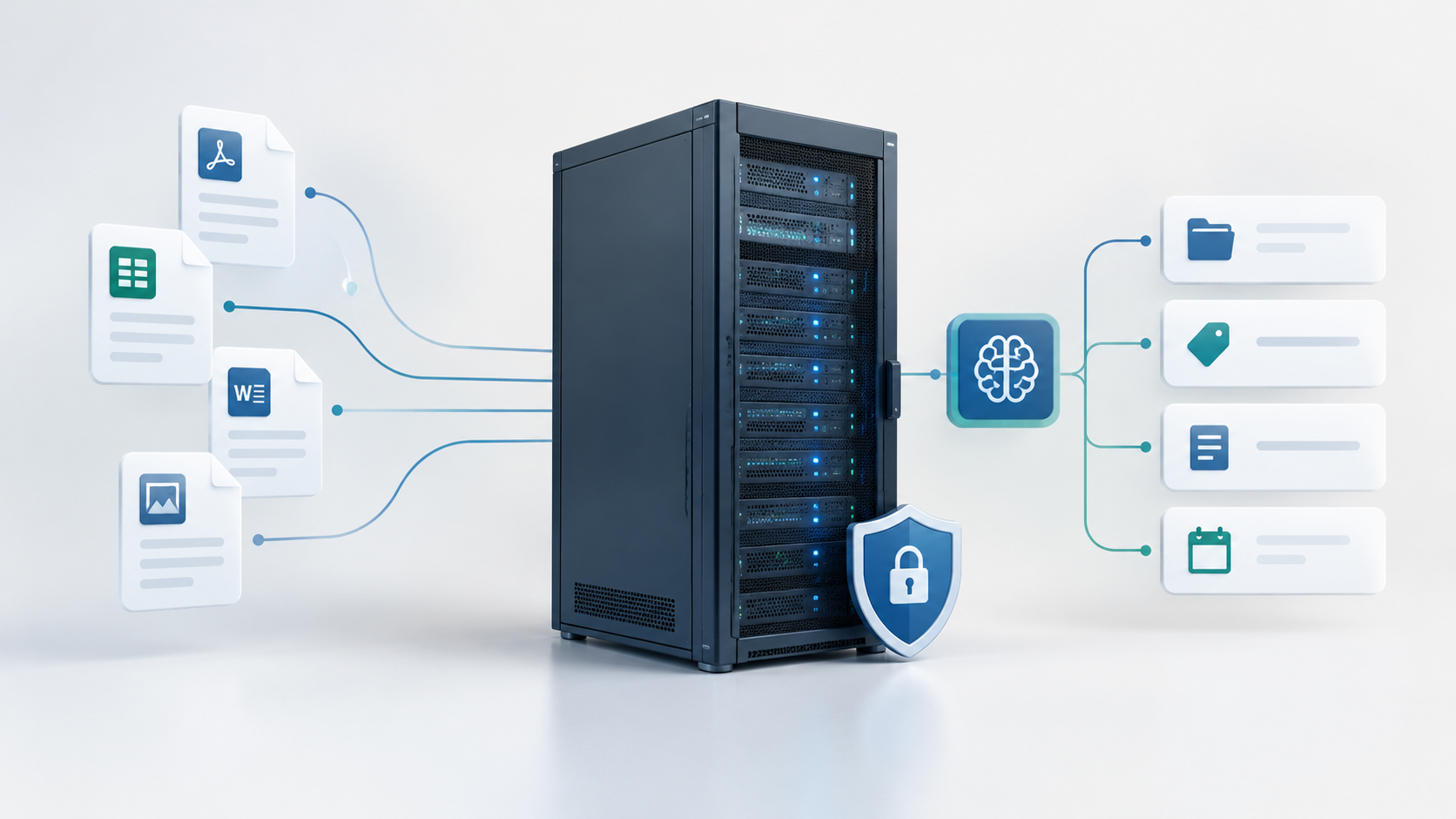
Many documents contain structured details like names, invoice numbers, amounts, dates, or contracting parties. An AI can extract these key data points from the recognized text and return them in a structured format.
This simplifies future search and categorization. However, AI results are not inherently error-free. It is highly recommended to verify extracted data—especially financial amounts, legally binding deadlines, and low-quality scans—against the original file.
4. Reducing Manual Filing Effort
The greatest practical value is realized when these features work together seamlessly. Upon uploading a document, the software can automatically suggest a category, generate tags, and populate metadata fields.
Instead of typing in all information manually, the user simply reviews and confirms the suggestion. The degree of automation achievable depends on the specific features of your chosen DMS.
Why Local AI Matters for Confidential Documents
Invoices, employment agreements, insurance policies, and commercial correspondence frequently contain personal data or sensitive trade secrets. Anyone looking to analyze such content with AI must evaluate not only output quality but also where the processing takes place.
Using a third-party cloud AI service requires sending document content to external infrastructure. The data processed, retention periods, and applicable terms of service depend entirely on the external vendor.
With a locally executed model, your document content remains strictly within your infrastructure. Ollama explicitly states that locally processed prompts and data are not transmitted to Ollama. Note that this distinction applies specifically to local execution, as opposed to using cloud-hosted models or online features.
Important: Local Does Not Automatically Mean Fully Offline
Running a local AI model alone does not guarantee that an entire application refrains from transmitting data over the internet. What matters is the complete processing pipeline.
To ensure sensitive documents are processed purely locally, evaluate the following:
- Is the application truly using a locally installed model rather than a cloud API endpoint?
- Are document contents or extracted texts transmitted to external services?
- Does the application use external APIs for OCR, vector search, embeddings, or other AI tasks?
- Where are documents, temporary files, system logs, and backups stored?
- Who has administrative access to the server and stored data?
User access controls, encryption, secure backups, and routine updates remain vital. Local AI significantly enhances control over processing, but it does not replace a holistic security architecture.
Local AI vs. Cloud AI: Which Is Better?
Both approaches have distinct advantages. The right choice depends on the tasks expected from the AI, the sensitivity of your data, and your technical resources.
| Criterion | Local AI | Cloud AI |
|---|---|---|
| Data Processing | Runs on your own or controlled infrastructure | Runs on third-party provider infrastructure |
| Data Control | High, provided processing remains strictly local | Depends on vendor contracts, SLAs, and settings |
| Hardware | Requires adequate local compute resources | Compute power is provisioned by the provider |
| Ongoing Costs | Electricity, hardware investment, and maintenance | Usage-based pricing (per request or tier) |
| Setup & Maintenance | Requires technical setup and ongoing maintenance | Often faster to deploy via managed APIs |
| Model Performance | Limited by locally runnable model size | Access to state-of-the-art frontier models |
Local AI is ideal when data sovereignty and independence are paramount, and when appropriate hardware is available. Cloud AI, on the other hand, excels when maximum model intelligence is required or when managing local infrastructure is not feasible.
There is no one-size-fits-all solution. In many enterprise scenarios, a hybrid approach may also be suitable—provided your compliance and data privacy requirements permit it.
What Hardware Does Local AI Require?
Hardware requirements depend heavily on the chosen model size and workload complexity. Smaller models can comfortably run on modern standard computers, whereas larger models require substantial RAM and high-performance GPUs.
For standard document analysis with well-defined tasks, a lightweight model is often sufficient. For complex multi-page documents, deep contextual reasoning, or demanding extractions, a larger, more capable model will yield superior accuracy.
Before deployment, evaluate performance beyond mere processing speed. Factors such as output quality, memory footprint, and concurrent request volume are equally critical.
What to Look for in a DMS with Local AI
Local AI alone does not make a functional document management system. For real-world business use, it must be embedded within a platform that stores files securely and keeps them organized.
When selecting a Document Management System, consider these key requirements:
- Structured Storage: Documents must be easily organized using folders, categories, and tags.
- User Permissions: Fine-grained controls to prevent unauthorized editing or deletion.
- Verifiable AI Outputs: Automatically extracted data should be easy to inspect and edit.
- Version Control: Ability to track changes and audit document history.
- Data Security: Comprehensive access protection, backups, patch management, and encryption strategies.
- AI Transparency: Clear visibility into which model is running and what data is processed during analysis.
We recommend testing AI performance using your own representative documents. Invoices, multi-page legal contracts, and low-resolution scans present unique challenges. A practical trial period provides far better insight into real-world utility than a feature list.
Who Benefits Most from a Self-Hosted DMS with Local AI?
A self-hosted DMS with local AI is particularly valuable for freelancers, small-to-medium businesses, and organizations that process documents regularly and require strict data control.
Ideal use cases include:
- Freelancers managing high volumes of invoices, contracts, and business correspondence
- Small businesses streamlining repetitive document workflows
- Teams needing structured, central access control over shared archives
- Organizations looking to reduce reliance on third-party cloud AI vendors
However, administrative overhead should not be overlooked. Organizations that prefer not to manage server setup, security patches, and backups may be better served by a fully managed SaaS solution.
Conclusion: Smarter Document Management Without Sacrificing Data Control
Local AI unlocks powerful capabilities for modern document workflows. Using local execution engines like Ollama, you can analyze documents, auto-suggest metadata, and extract structured data without exposing file contents to third-party services—provided your infrastructure is correctly configured.
The primary advantage lies in complete data control and seamless integration into existing operational workflows. At the same time, model choice, hardware capacity, and a robust security setup remain essential success factors.
If you aim to go beyond mere storage and want to automate manual filing while maintaining sovereignty over your data, look for a DMS that aligns with your specific feature, security, and operational requirements.
Document Management with Greater Control
Looking for a way to centralize your documents while leveraging local AI for analysis? Discover our self-hosted document management system and learn how it can streamline your document workflows.