Invoices, contracts, customer records, and other critical documents frequently contain confidential information. Anyone managing these digitally wants not only fast access to their files, but also total clarity on where they are stored and who can access them. A self-hosted document management system (DMS) enables you to run document management on your own infrastructure and retain complete control over technical operations.
So, who actually benefits from self-hosting, what advantages does it offer over a cloud-based solution, and what responsibilities do you need to manage yourself?
What Is Self-Hosted Software?
Self-hosted software runs on infrastructure that you manage yourself or whose operations you directly control. This could be your own dedicated server, a rented VPS, or an on-premise server within your company.
Unlike a typical SaaS solution where the vendor hosts and manages the application for you, self-hosting means installing and running the software within your own hosting environment. This gives you much greater authority over how the software integrates into your existing IT landscape.
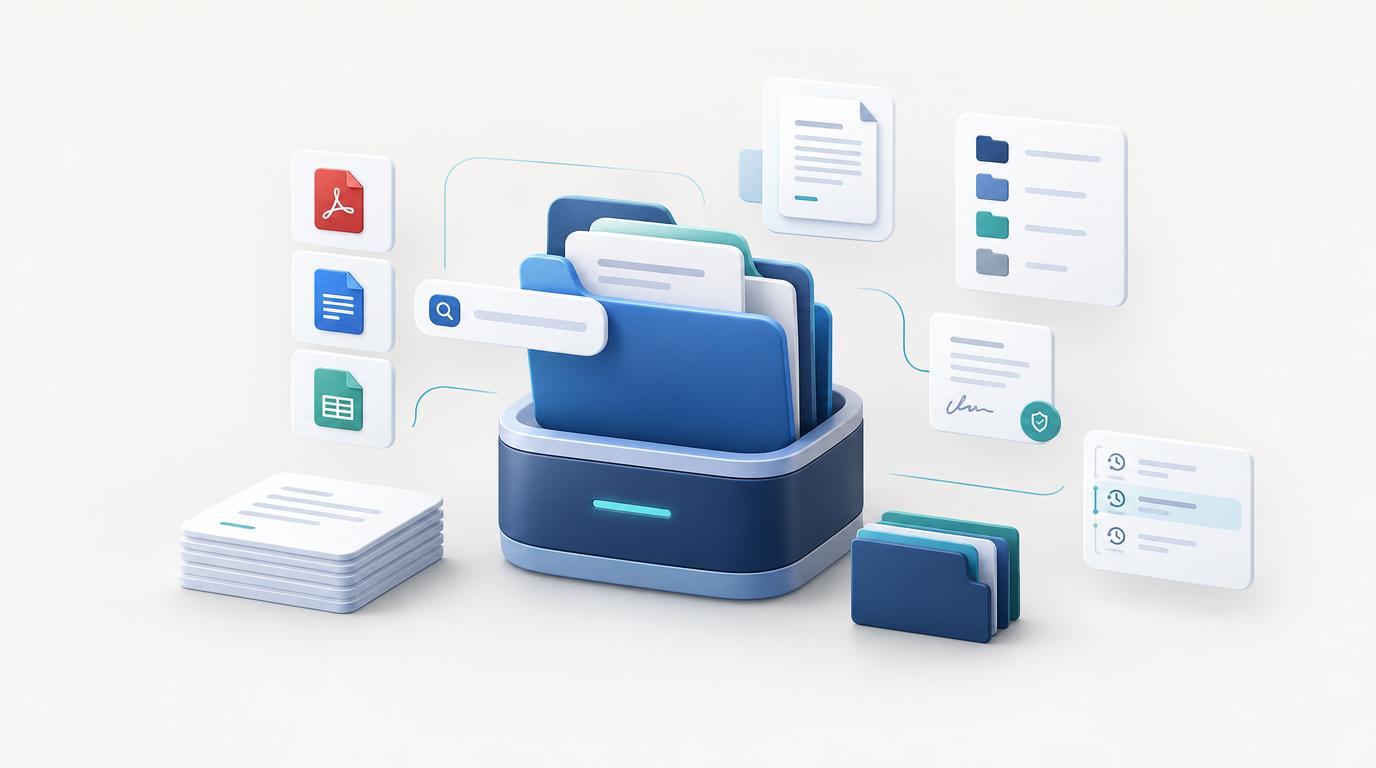
In a self-hosted DMS, documents are managed through a central application. Depending on the feature set, you can organize files in folder structures, apply categories and tags, run full-text searches, and configure access permissions.
Key Benefits of a Self-Hosted DMS
1. Complete Data Sovereignty
A major advantage of self-hosting is absolute control over the environment where your documents are stored and processed. You decide on which server your application runs and how storage, user permissions, and data backups are managed.
This is especially valuable when handling sensitive business records or when looking to reduce dependency on a specific cloud vendor.
Keep in mind, however: self-hosted software is not automatically more secure by default. Actual security depends heavily on proper server configuration, access controls, encryption, and routine maintenance.
2. Greater Governance Over Data Privacy
Documents often contain personal data, financial information, trade secrets, or legally binding contracts. With a self-hosted DMS, you can align storage locations and data processing strictly with your compliance requirements.
For example, you can select a compliant hosting region, restrict application access to specific IP ranges or networks, and control how backups are generated and retained. Furthermore, you can audit which external services—if any—are actually called during operation.
This makes it easier to tailor technical and organizational security measures to your precise needs. However, using self-hosted software alone does not automatically guarantee GDPR compliance. Full compliance still requires proper implementation of security controls, access management, and adherence to applicable legal frameworks.
3. Reduced Vendor Lock-In
With cloud software, you are tied to the vendor’s roadmap. They determine subscription pricing, usage tiers, available feature sets, and potential updates to their terms of service.
Self-hosting minimizes vendor lock-in. By operating the application in your own environment, you retain full operational autonomy over your infrastructure, independent of the software vendor—subject to licensing terms and technical requirements.
This is particularly critical if you intend to use your document management system long-term without risking platform deprecation or forced price increases.
4. Predictable Cost Structure
Many SaaS platforms charge recurring monthly or annual subscription fees per user. Total operational costs can quickly escalate as you add team members, scale storage, or unlock premium features.
Self-hosted software provides a cost-effective alternative, particularly when one-time license models are available and existing infrastructure can be repurposed.
However, self-hosting is not automatically cheaper. Beyond initial licensing, you must factor in hosting costs, off-site backups, updates, security controls, and system administration time. What matters is evaluating total cost of ownership (TCO) over the planned lifecycle.
5. Maximum Infrastructure Flexibility
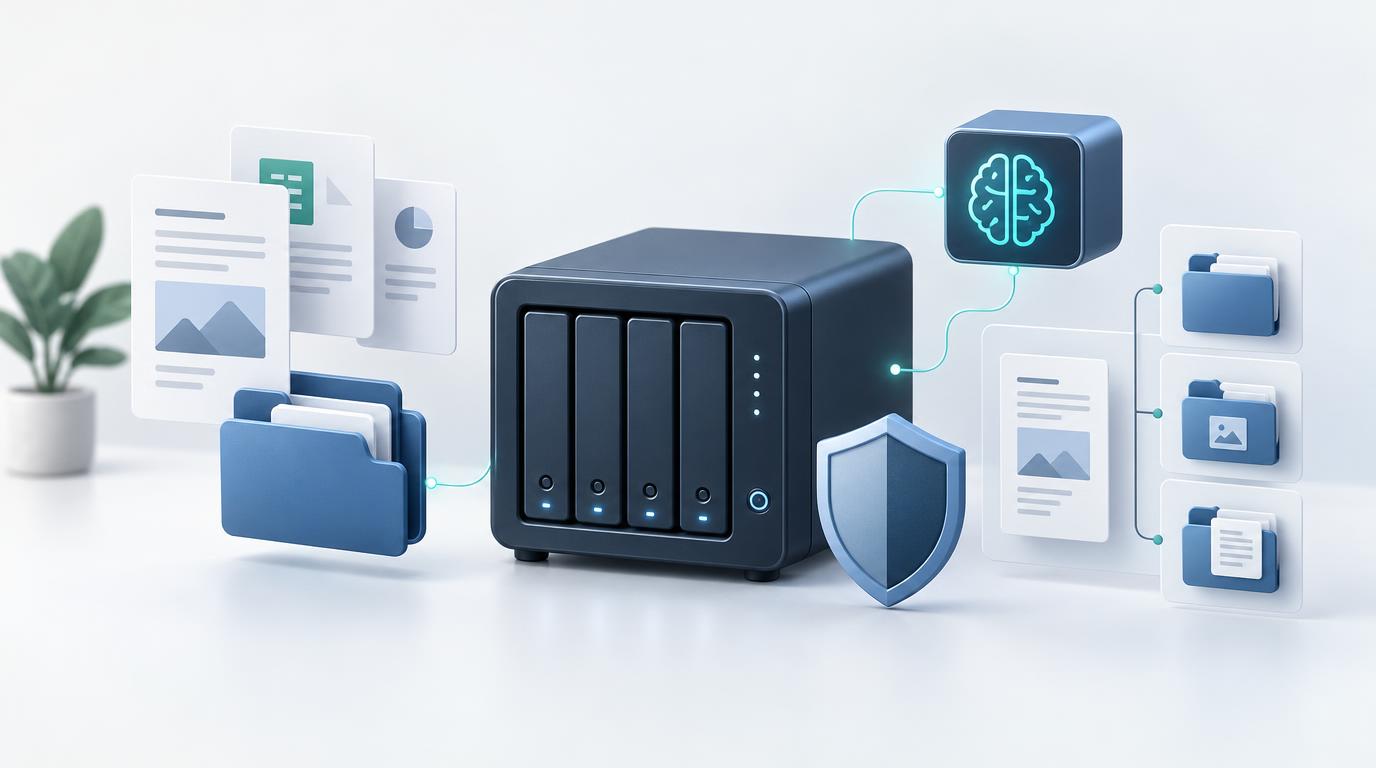
With a self-hosted application, you can tailor your hardware and network topology to your exact requirements. Depending on software requirements, deployment options range from a lightweight VPS or dedicated bare-metal server to a local NAS environment.
You can leverage existing infrastructure, design scalable storage pools, and integrate the system into internal workflows. The degree of flexibility depends on the software architecture, system dependencies, and licensing terms.
6. Centralized and Structured Document Management
Self-hosting alone does not automatically organize your files—you need a capable document management software application to handle organization.
A DMS enhances centralized file storage with tools designed for high efficiency. Key features typically include:
- Centralized digital repository for all documents
- Folders, categories, and tags for granular organization
- Instant full-text search and filtering tools
- Version control to track document revisions
- User access control and configurable permission roles
- Archiving and retention management tools (where supported)
Which feature set you require depends on whether you are organizing personal records, running a solo freelance practice, or managing shared files within a larger team.
Self-Hosted DMS vs. Cloud DMS?
Both deployment models offer distinct benefits. The right choice comes down to your internal technical capabilities, privacy requirements, and day-to-day workflow.
7. Local AI: Analyze Documents Without External Services
Artificial intelligence can dramatically streamline digital document workflows—from analyzing file content and extracting key data points to auto-suggesting appropriate categories and tags.
However, many AI features rely on third-party cloud APIs, requiring document contents to be transmitted off-premise for processing. For sensitive or regulated records, this transmission can be a dealbreaker.
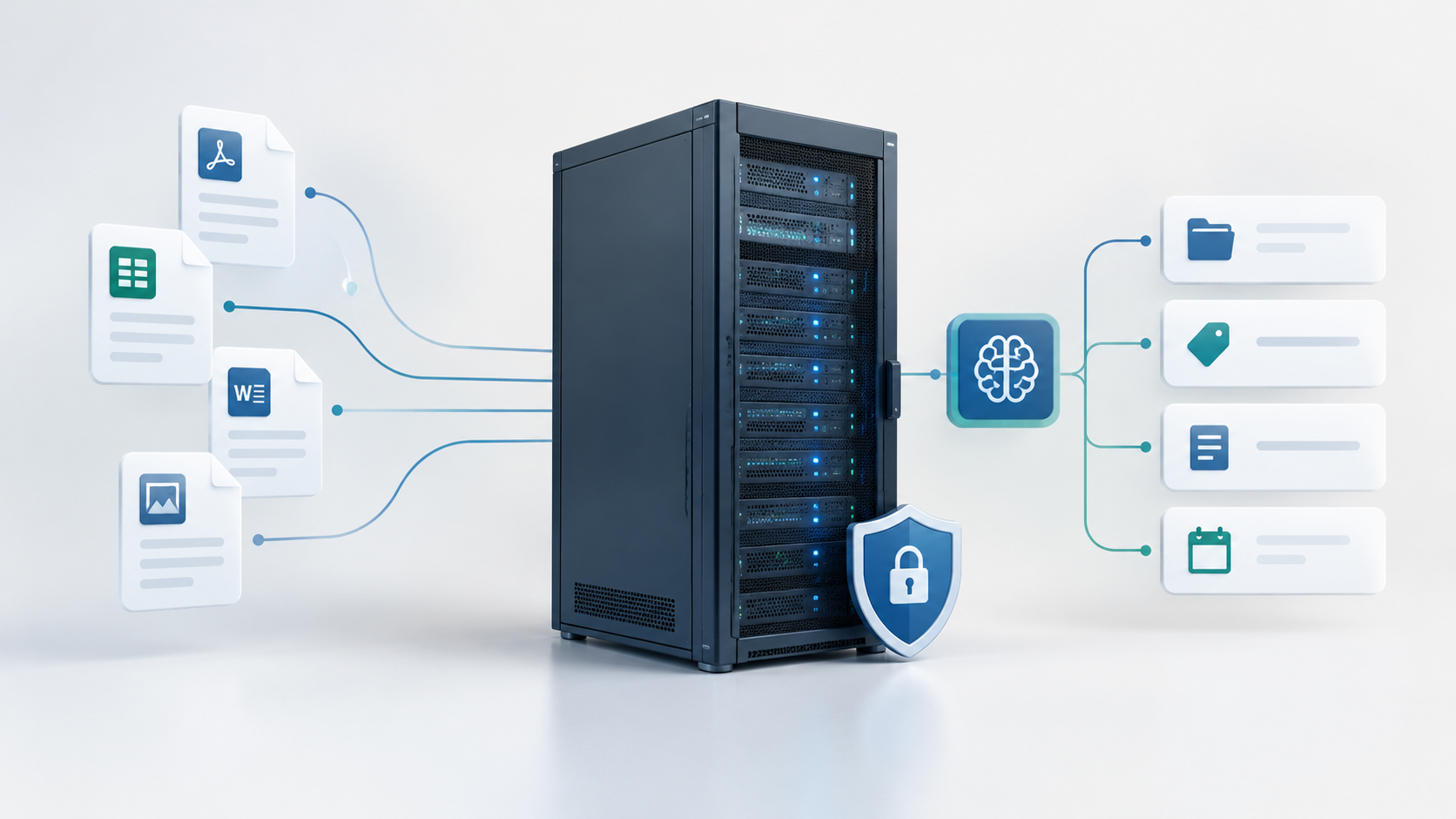
Local AI provides a powerful alternative. Using frameworks like Ollama, you can run open-weight AI models on your own local hardware or private server. When properly integrated with your DMS, document analysis occurs entirely on-premise without transmitting data to external AI providers.
This provides an immense advantage when processing confidential contracts, financial statements, and private records, as you maintain absolute control over the AI processing pipeline. Furthermore, it gives you full freedom in selecting models and hardware configurations.
Keep in mind that local AI requires adequate hardware resources (RAM and GPU capacity). Processing speed and output quality depend heavily on the selected model size and available hardware capabilities.
Note: Running local AI does not automatically mean the surrounding application is entirely disconnected from the internet. Complete data isolation depends on how your overall DMS, Ollama instance, and network rules are configured.
When Does a Self-Hosted DMS Make Sense?
- You require complete control over storage location and infrastructure security.
- You want to eliminate ongoing recurring SaaS subscription lock-in.
- You already manage server infrastructure or are prepared to set up a managed hosting environment.
- You want direct authority over backup strategies, access controls, and maintenance windows.
- You prefer software that can run reliably long-term in your controlled environment.
When Is a Cloud DMS the Better Choice?
- You do not want to handle server administration, security patching, or maintenance.
- You need an immediate, zero-friction setup without infrastructure overhead.
- You prefer the vendor to manage reliability, hosting, and performance scaling.
- You require specialized turn-key cloud collaboration or mobile tools out of the box.
A cloud solution is not inherently insecure or non-compliant, nor is self-hosting universally the right choice for every business. The decision should align with your technical resources, regulatory requirements, and operational goals.
What Responsibilities Come With Self-Hosting?
Full control brings full responsibility. Running your own software requires committing to essential administrative tasks.
Updates and Security Patching
The application software, host operating system, and underlying stack must be updated regularly. In addition, network endpoints should be secured, public exposure minimized, and strict access controls maintained.
Backups and Disaster Recovery
Secure document management depends on robust, automated backups. Ensure you back up not only the primary database, but also stored files and system configurations needed for full restoration. Regularly execute test restores to verify backup integrity.
Encryption and Access Security
Depending on data sensitivity, enforce HTTPS/TLS transport encryption, at-rest storage encryption, and strict authentication mechanisms. Review the encryption methods supported by your software and ensure your configuration mitigates key operational risks.
Availability and System Uptime
With self-hosting, uptime is your responsibility or that of your hosting provider. Hardware faults, failed software updates, or network issues can interrupt access to critical documents if redundancy is not properly architected.
Is a Self-Hosted DMS Suitable for Small Businesses?
Yes. Freelancers, solo entrepreneurs, and small businesses can benefit immensely from a self-hosted document management system without needing enterprise IT infrastructure.
A streamlined setup is often enough to centralize contracts, invoices, project archives, and client correspondence. What matters is choosing software that fits your actual workload and can be maintained with minimal effort.
If you already operate a local server or NAS device, utilizing existing resources can be very cost-effective. Simply verify that the hardware meets performance requirements and that off-site backups and secure access are properly established.
What to Consider When Choosing a Solution
Evaluate self-hosted DMS software on more than just initial pricing. Give priority to the following criteria:
- Deployment Options: Is setup well-documented and supported on your preferred infrastructure?
- Document Organization: Does the system support your required metadata structure (folders, tags, categories, search filters)?
- User Administration: Can permission roles be tailored to fit your operational structure?
- Data Protection Capabilities: What native encryption and access restriction features are built in?
- Maintenance Requirements: How straightforward is the software update process?
- Data Export & Portability: Can you easily export all files and associated metadata if you switch systems?
- Total Cost of Ownership: What are the complete long-term costs including licensing, hosting, and maintenance?
Document Management with Local AI and Self-Hosting
If you want centralized document organization paired with full data control, consider exploring self-hosted DMS solutions with native support for local AI.
The document management system from BitByBitCreation combines structured digital document management with seamless support for running local AI models via Ollama. This allows AI features to execute directly within your own infrastructure without transmitting sensitive document content to third-party services.
This is ideal for freelancers and small businesses seeking to automate manual document workflows with AI while maintaining complete privacy over their business records.
As with all self-hosted software, proper system configuration, secure access controls, and automated backups remain essential for safe, reliable operation.
Learn more about our self-hosted document management system
Conclusion: Greater Control with a Self-Hosted DMS
A self-hosted document management system grants you maximum authority over where software runs, how files are managed, and how your infrastructure is secured. It eliminates vendor lock-in and provides full flexibility regarding storage location, access rights, and backup routines.
At the same time, maintenance requirements, backup validation, and security hygiene must be evaluated realistically. When managed effectively, self-hosting is a powerful choice for freelancers, small businesses, and teams committed to owning their digital document workflows.